Getting Started Guide
Sample Highlighted Text
Alice was beginning to get very tired of sitting by her sister on the bank. She had nothing to do. Once or twice she had peeped into the book her sister was reading. But it had no pictures or conversations in it. "And what is the use of a book," thought Alice, "without pictures or conversations?" — Alice in Wonderland
Why are all the words above blue?
TIP
Because you don't know these words. You can click to look them up, and then the words turn yellow. If you know a word, you can change its status to "checkmark ✅", and the word will no longer be highlighted.
WARNING
I'm not a beginner, I already know many of these words, like CET-4. Can I do batch operations?
TIP
Yes, you can do it like this:
Import Known Vocabulary
If you have known word data from elsewhere, you can organize it into the following text format, one word per line
apple
banana
orange
pear
Example english.txt
You can also download the English CET-4/6 vocabulary list below
Why does AI translation fail or return empty?
The built-in free API has expired, you need to get your own API
Why is AI translation inaccurate?
Because the default AI is ZhiPu's free AI, it's very silly. Please switch to a large language model API of Gemini-2.5-flash or DeepSeek-v3 or higher.
Zhihu Wild List: Large Language Model - Logic Ability Evaluation AI Leaderboard: LMArena (VPN required)
How do I get an API (interface)?
Ohmygpt has almost all APIs including ChatGPT, Gemini, Claude, DeepSeek, etc. After pasting the authorization code to log in within the plugin, you can use it directly.
How to use external word lookups?
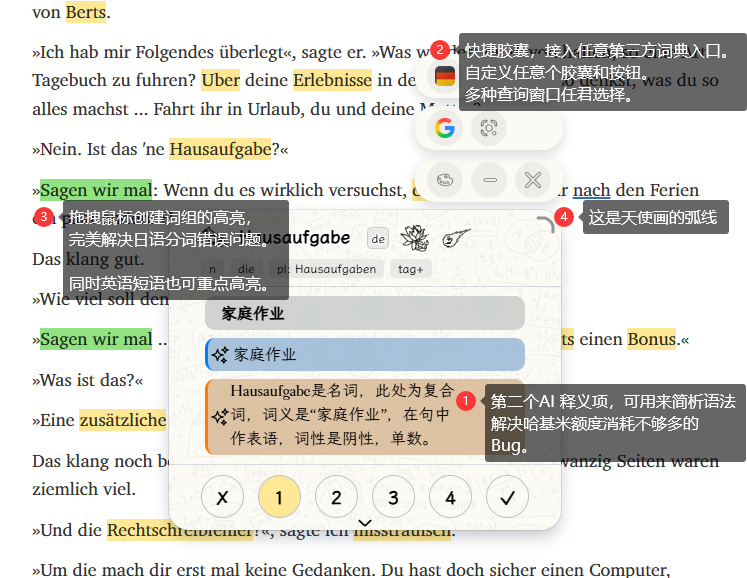 Click the red dot at position 4 in the image to activate the capsule function. You can also set the capsule to expand by default in the settings.
Capsule customization: Settings - Pop-up Settings - Capsule Settings Here you can add multiple layers of capsules, various viewing methods, and customize any third-party dictionary or website.
Japanese word segmentation is too fragmented and inaccurate.
As shown in the red dot at position 3 in the image, after dragging and selecting text, click the "create" button that pops up to create custom highlighting.
How to change the translation style?
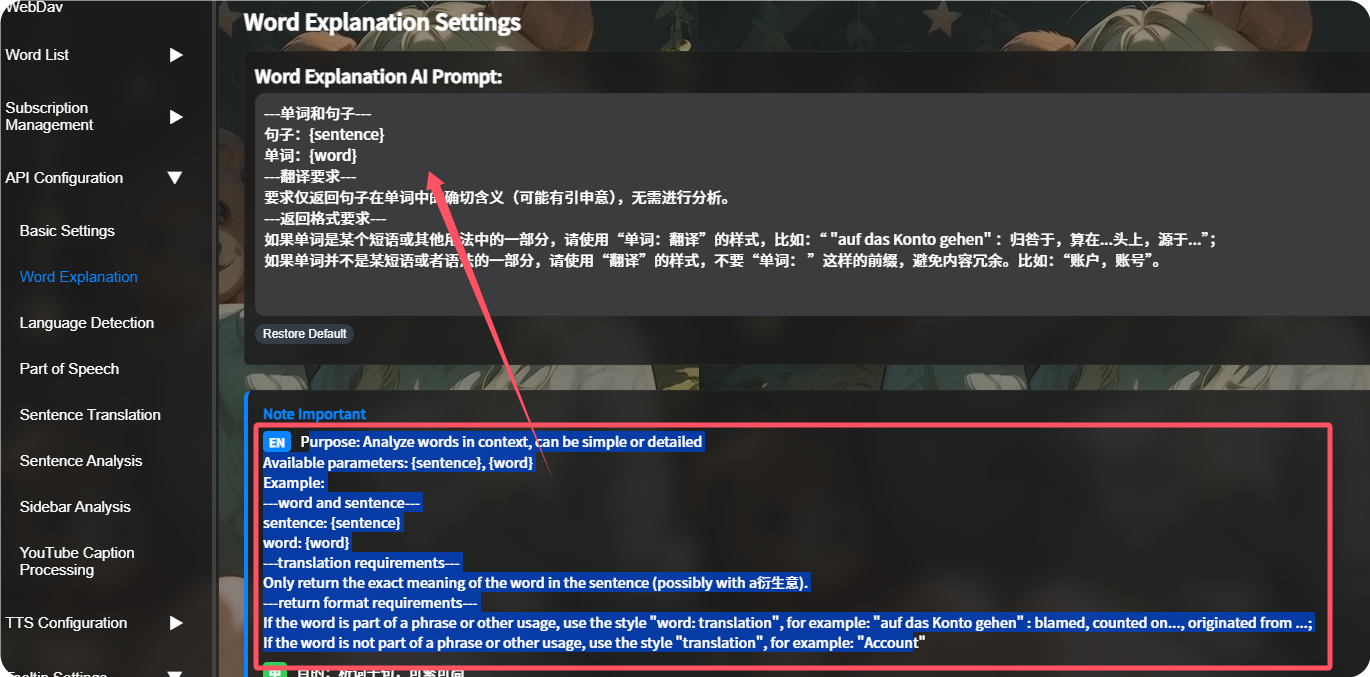
In Settings - API Configuration, change the Prompt "spell" to your desired style and translation method. In the switch settings, you can enable two AI prompt boxes, one for translation and one for grammar parsing.
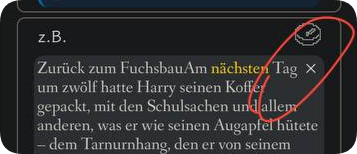
Example sentences, Tag content is wrong, how to reset the translation?
Delete the example sentence, tag, and re-click the word.
How to enable/disable highlighting for a specific language?
Here: 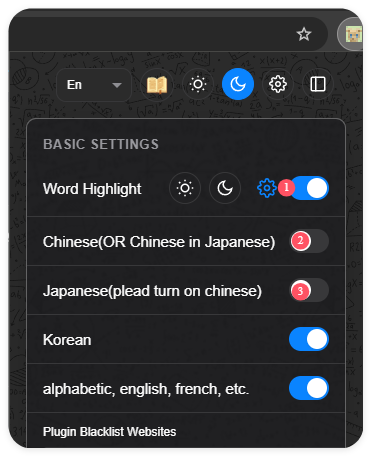
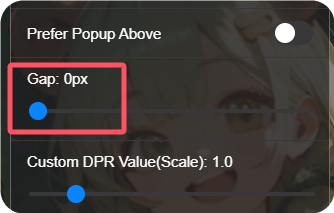
Gap between pop-up and word
The gap value can be changed in the switch settings, to prevent it from blocking the next line of text.
Where are the Mini window buttons?
All buttons are floating; their position may change.
Button 1: Known status toggle
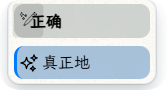
Button 2: Display sentence translation
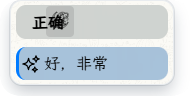
Button 3: AI analysis
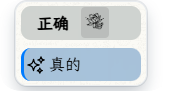
Button 4: Enlarge window
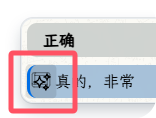
How to scale the window?
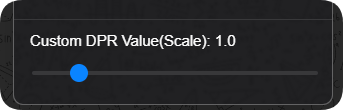
The scaling algorithm is 1 / (Page DPR / Custom DPR). The page DPR of a 2K screen is 2; an iPhone's DPR is 3; some phones are 2 or 1.8; so it can be used to adjust abnormal windows, and also for manual zooming in and out.
How to change the pop-up background?
If you customize the background, please fix it to a dark or light theme according to the image color, otherwise, the contrast will be insufficient, affecting readability. Supports svg, png, gif, mp4, etc.
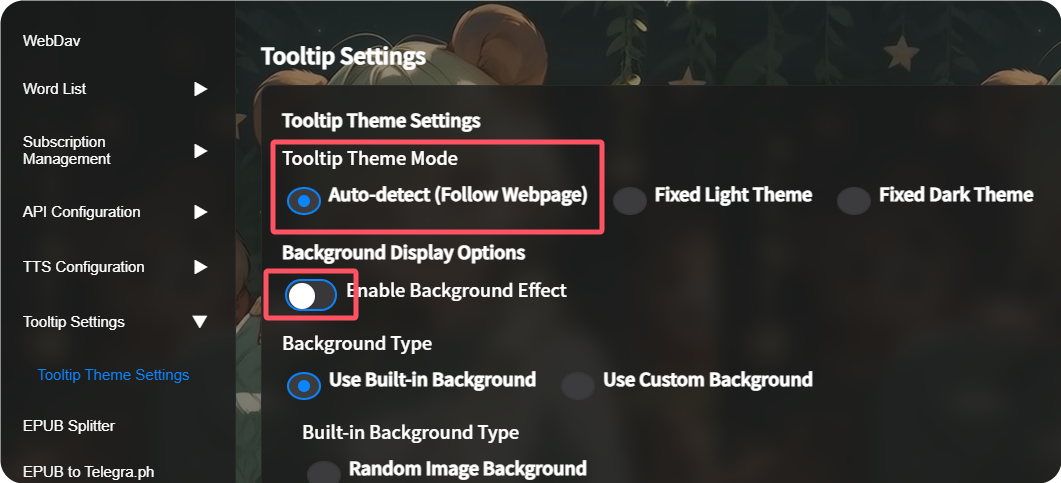
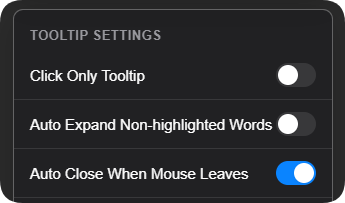
This image shows it turned off
How to show a mini-window on mouse hover in real-time?
Turn off "Click-only mode" and enable "Close mini-window automatically on mouse leave" (recommended to use with the Mini window).